
Compare
MyFitnessPal alternatives: choose a food tracker for your routine
The best MyFitnessPal alternative depends on what you need to log. Compare the daily workflow, platform and data handling before choosing another food tracker.

Checked 2 October 2026 against the publishers’ own documentation. Features, subscriptions and regional availability can change. Bodyvault publishes this comparison and is itself one of the alternatives.
Start with the job you need done
Write down why you want to switch: easier meal entry, more nutrition detail, a different subscription, better support for the foods you eat, or a clearer connection with training. Those are different problems. The most useful alternative is the one that handles your actual routine without adding work you will not sustain.
Try a normal day in a candidate app before importing or rebuilding your history. Use a breakfast, a packaged food and a home-cooked meal you regularly eat. Check the amounts and source entries rather than judging only how quickly an image turns into a calorie total.
Four options to compare
| App | Platform or scope | Why consider it | What to check |
|---|---|---|---|
| MyFitnessPal | iOS, Android and web | An established food diary with several paid tiers | Premium logging features and your regional offer |
| Cronometer | iOS, Android and web | Detailed nutrient tracking with Basic and Gold plans | Whether the nutrient detail and plan fit your routine |
| Foodnoms | Apple platforms | A food-focused Apple app with barcode logging | Optional account and cloud/AI features |
| Bodyvault | iPhone and Apple Watch beta | Food, workout and recovery tracking together | Beta availability and the actual food entries you need |
Cronometer’s subscription guide separates Basic and Gold. Foodnoms documents account-free core logging and optional server-backed features. Neither app needs to be dismissed just because you also want to try Bodyvault: assess the trade-off against your own priorities.
Subscriptions and barcode scanning
MyFitnessPal’s current help pages place barcode scanning and Meal Scan in Premium and meal planning in Premium+. Core manual food logging remains available without those tiers. Read the current offer in your account and country rather than treating a price quoted by another website as universal.
Bodyvault is free during its public TestFlight beta. That does not promise a permanent free tier or a future subscription price. Compare today’s access honestly, including whether you want to rely on a beta for your everyday log.
A simple food-entry check
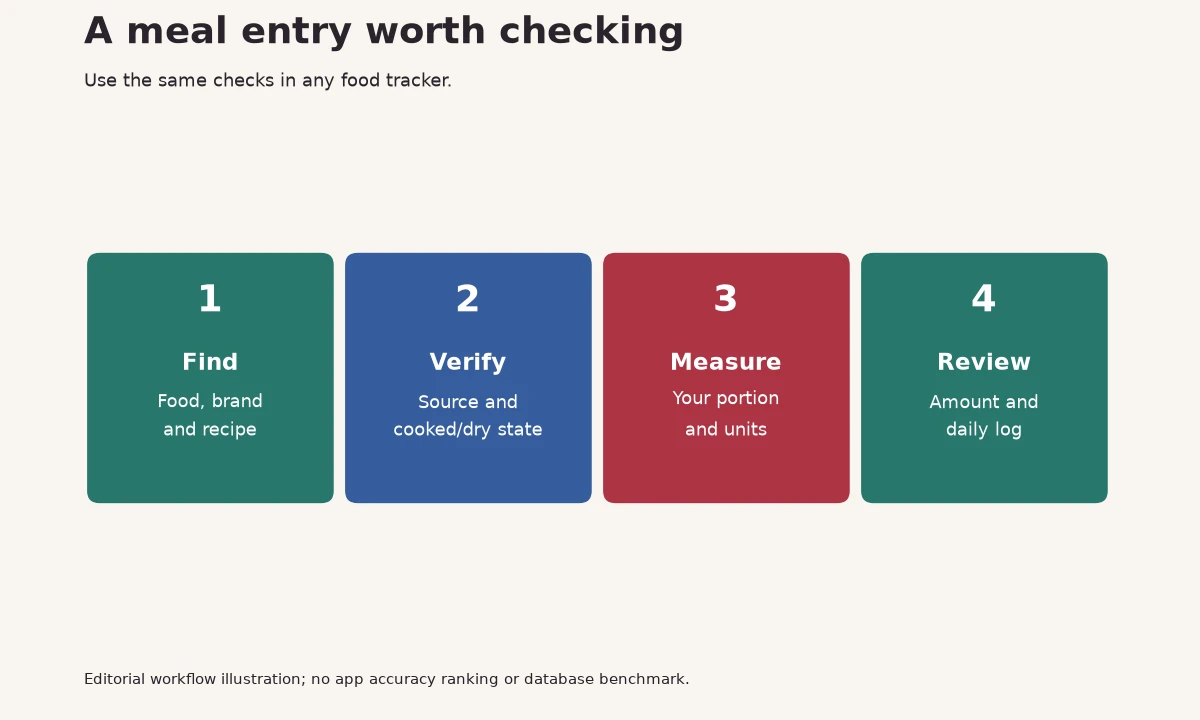
| Check | Example question |
|---|---|
| Food identity | Is this cooked rice or dry rice? |
| Serving amount | Does one serving mean 100 g, one packet or one bowl? |
| Brand and recipe | Does the label or recipe match what I ate? |
| Source and units | Can I trace the entry and compare grams or ounces? |
A barcode identifies a product; it does not guarantee the serving matches your portion. A photo can help identify foods, but a hidden ingredient or an uncertain portion still needs review. These checks are useful whether you log manually or use a faster entry method.
Apple Health and switching history
Look at the specific data types each app reads or writes. Permission to access Health is not a guarantee that complete food history, recipes or diary notes transfer. Preserve anything important through the original app’s supported export and test a small amount of data before switching.
If two apps both write nutrition, check for duplicates before relying on a daily total. Decide which app is your primary log. Keep the process simple enough that you are not correcting the same meal in several places.
Where Bodyvault fits
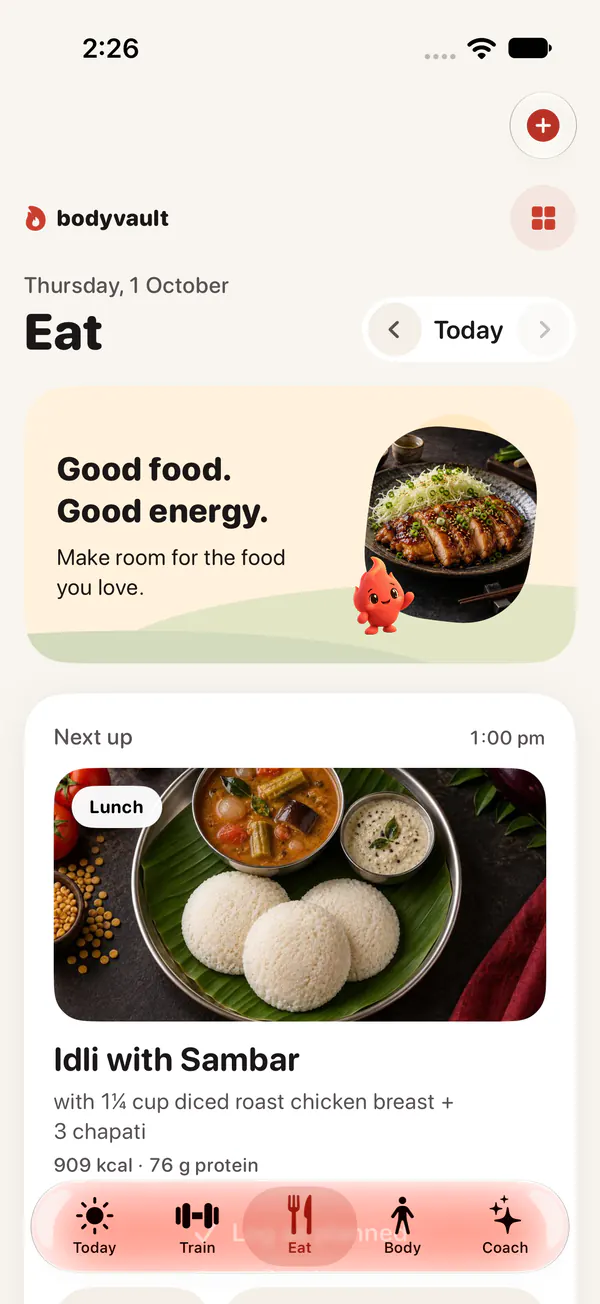
Bodyvault combines food logging with your training and recovery context. Its database includes national food tables and regional recipes; verify the entry that matches your meal. The protein calculator can explain a general planning range, while the paneer guide demonstrates weighed portions for one food.
Choose another option if your platform, data requirements or preferred workflow are better supported there. Bodyvault currently supports iPhone and Apple Watch, so an Android requirement is a clear reason to consider another app.
Questions
Is Bodyvault a free MyFitnessPal alternative?
Bodyvault is free during the public TestFlight beta. This does not establish its eventual pricing, and you need an iPhone.
Can I move all my MyFitnessPal meals through Apple Health?
Do not assume that. Health permissions cover specific data types; recipes, notes and complete diary history may require the original app’s export tools.
Which alternative should an Android user choose?
This shortlist includes MyFitnessPal and Cronometer on Android. Check their current features and regional plans; Bodyvault and Foodnoms focus on Apple platforms.